Operations / 02 of 15
Onboarding Page
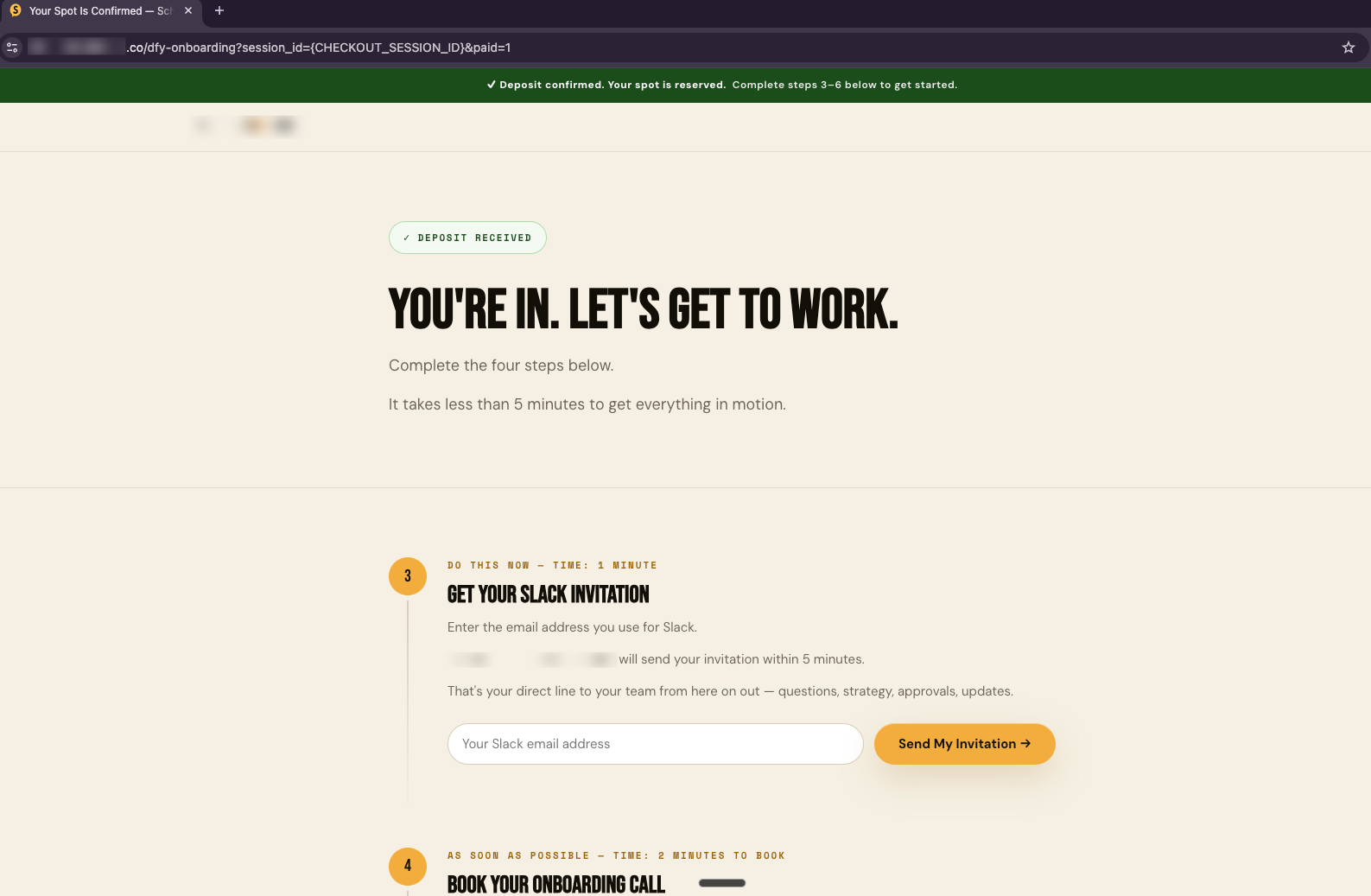
A custom page synced to your internal systems that your new client can use so that you can prepare them for delivery of service and show them the roadmap for what's to come.
How it runs
Trigger
Client onboarded
Step 01
Generate a unique client URL
Step 02
Page reads live from ops base
Step 03
Client sees done, next, needed
Client gate
Uploads, confirms, books kickoff
Step 04
Writes straight back to the base
What it is
A per-client page, synced live to your operational database, showing them where they are, what's next, and what you still need from them.
You need this if your clients answer "what's happening with my project" by messaging you, making your account managers a status API queried by humans.
Every one of those queries is time that produced nothing.
If your delivery is already tight, the page changes the perception rather than the reality, because the client can see the machine working, and that's most of what "great communication" actually means.
The actual build
What it does for you
The "any update?" message disappears
which is the most common and least valuable thing an account manager does all week.
The client sees a roadmap on day one
so the gap between paying and seeing value closes immediately.
What you need from the client gets collected on the same page
so chasing assets stops being a separate job.
Built and running
School of Bots
LiveBuilt and live. Part of the onboarding system that took setup from ~2 days to ~2 minutes and unlocked 12× per-person capacity.
Want this one built into your business?
Thirty minutes, no deck. We map what you run today and tell you what it would take.